

Create Your Link-in-Bio Page
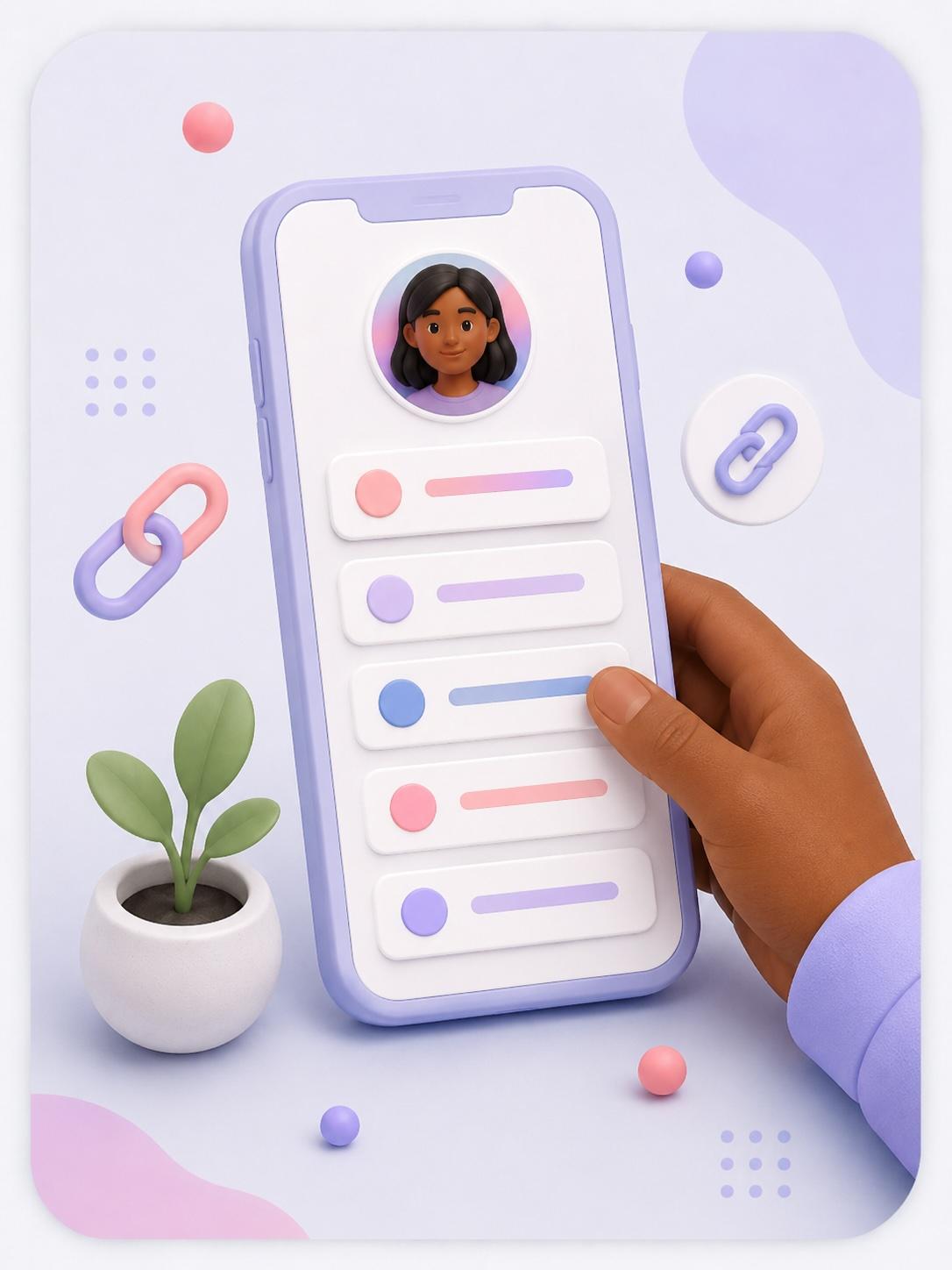
A link-in-bio page helps people find what matters most. Instead of sending people to many different places, you can give them one link that leads to your website, shop, booking page, waitlist, newsletter, or contact form.
Keep it simple. Too many links can make people unsure where to go.
Choose your link-in-bio tool
Pick where your links will live.
You can use your website, Linktree, Stan Store, Beacons, Milkshake, Later, or another simple tool.
Add your most important link first
Put your main action at the top.
Your top link should match your current goal. This could be “Book a call,” “Shop now,” “Join the waitlist,” or “Read the latest guide.”
Add 3–5 useful links
Keep the page easy to choose from.
Add only the links people are most likely to need. Avoid filling the page with every possible option.
Write clear button labels
Make each link easy to understand.
Use simple labels like “Shop candles,” “Book a brand call,” “Join the email list,” or “Contact me.”
Test every link
Make sure each button works.
Open the page from Instagram or TikTok and click every link on your phone.
Log in to save